
How to Talk to AI: Prompting Basics for Beginners-Maelinda Turner LCSW, MDiv
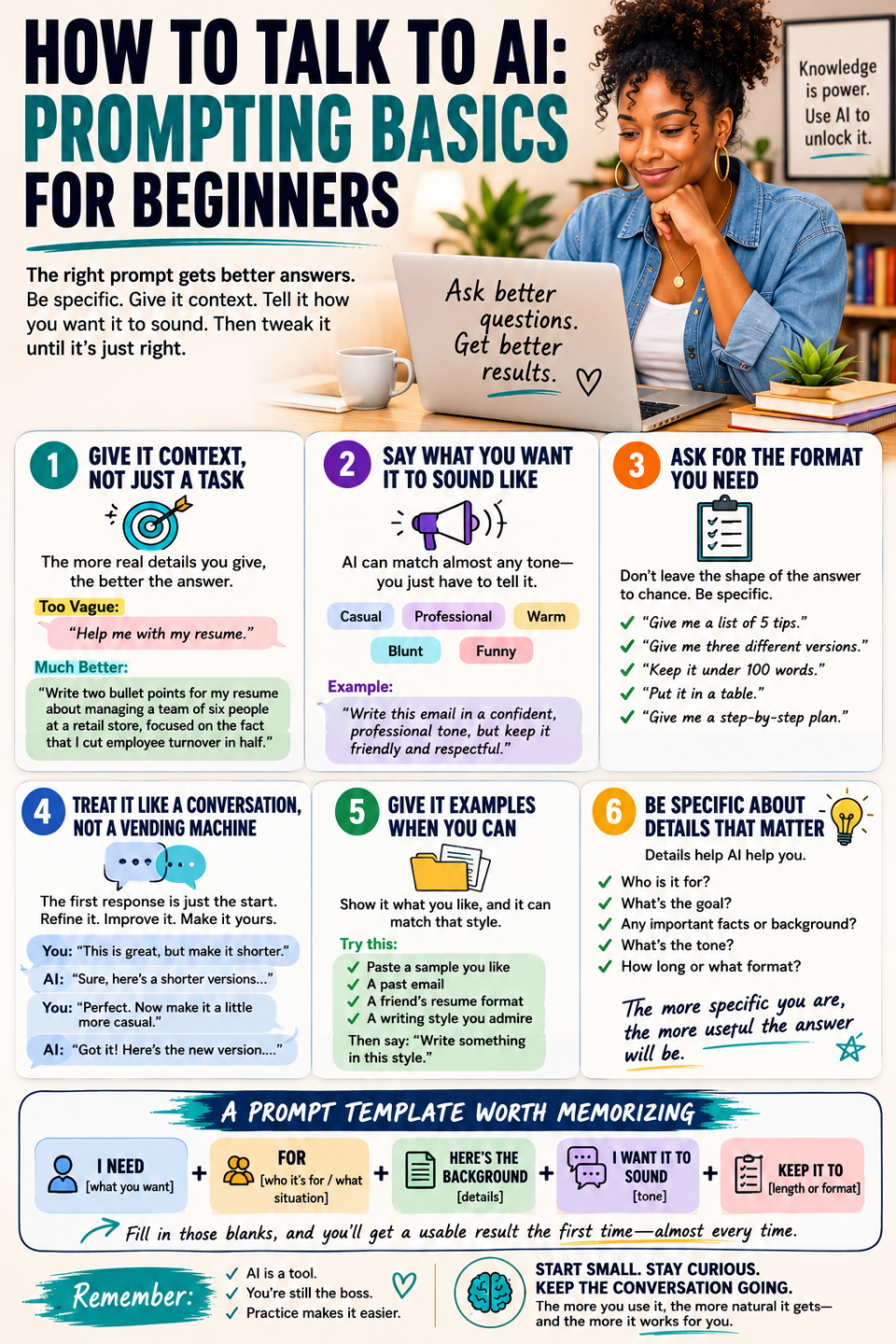
The biggest reason people bounce off AI tools after one try isn’t that the technology failed them; it’s that the first prompt they typed was too vague to get a useful answer. “Help me with my resume” gets a generic response. “Write two bullet points for my resume about managing a team of six people at a retail store, focused on the fact that I cut employee turnover in half” gets something you can actually use. The skill of prompting is really just the skill of being specific, and it’s learnable in about ten minutes.
Give it context, not just a task
AI doesn’t know anything about your situation unless you tell it. Instead of “write me an email,” try “write an email to my apartment complex’s property manager about a broken air conditioner that’s been out for five days in August, and I want it to sound firm but not aggressive.” The more real detail you give it, the less generic the result.
Say what you want it to sound like
AI can write in almost any tone: professional, casual, warm, blunt, funny. If you don’t specify, it defaults to a fairly neutral, formal voice, which isn’t always what you want. Add a line like “keep it casual, like texting a friend” or “make it sound confident and professional” and the difference in the result is noticeable.
Ask for exactly the format you need
If you want a list, ask for a list. If you want three options instead of one, say “give me three different versions.” If you want it short, say “keep it under 100 words.” AI follows format instructions closely, so don’t leave the shape of the answer to chance.
Treat it like a conversation, not a vending machine
The first response doesn’t have to be the final one. If it’s close but not quite right, just say so: “make this shorter,” “this is too formal, try again,” or “I like the second paragraph, rewrite the first one.” Most people give up after one try when the real skill is in the back-and-forth.
Give it examples when you can
If you have a sample of something you liked, a past email, a friend’s resume format, a writing style you admire, paste a short piece of it in and say “write something in this style.” AI is very good at matching a pattern once you show it one.
A prompt template worth memorizing
“I need [what you want] for [who it’s for / what situation]. Here’s the relevant background: [details]. I want it to sound [tone]. Keep it to [length or format].”
Fill in those blanks and you’ll get a usable result from almost any AI tool, on almost any task, the first time. From there, it’s just practice: the more you use it, the more natural it gets, and the less it feels like you’re talking to a machine instead of using a tool.
