
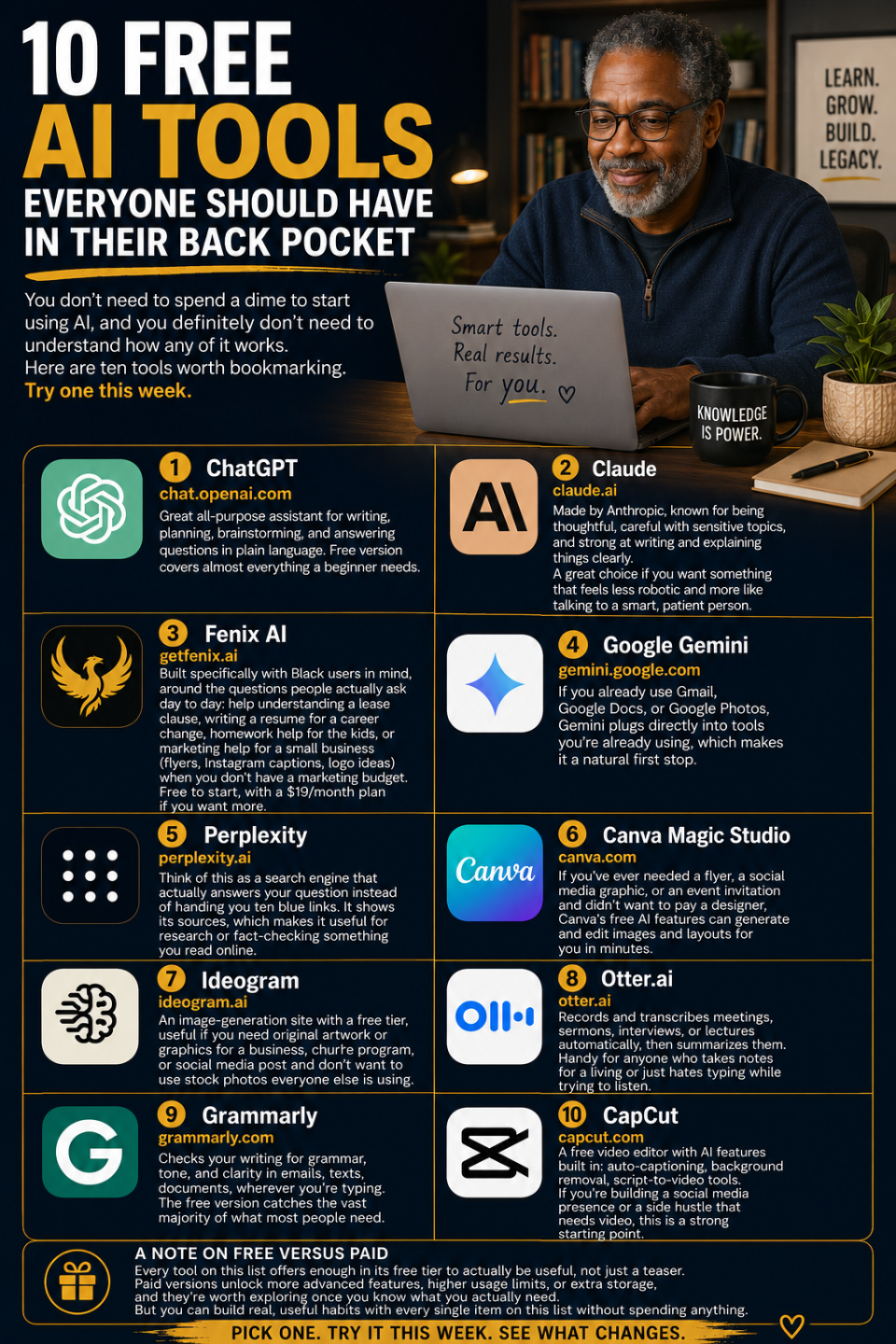
10 Free AI Tools Everyone Should Have in Their Back Pocket-Maelinda Turner, LCSW, MDiv
You don’t need to spend a dime to start using AI, and you definitely don’t need to understand how any of it works under the hood. Here are ten tools, every one with a solid free version, worth bookmarking. Try one this week.
1. ChatGPT (chat.openai.com)
The name most people have heard even if they’ve never used it. Great all-purpose assistant for writing, planning, brainstorming, and answering questions in plain language. Free version covers almost everything a beginner needs.
2. Claude (claude.ai)
Made by Anthropic, known for being thoughtful, careful with sensitive topics, and strong at writing and explaining things clearly. A great choice if you want something that feels less robotic and more like talking to a smart, patient person.
3. Fenix AI (getfenix.ai)
Built specifically with Black users in mind, around the questions people actually ask day to day: help understanding a lease clause, writing a resume for a career change, homework help for the kids, or marketing help for a small business (flyers, Instagram captions, logo ideas) when you don’t have a marketing budget. Free to start, with a $19/month plan if you want more.
4. Google Gemini (gemini.google.com)
If you already use Gmail, Google Docs, or Google Photos, Gemini plugs directly into tools you’re already using, which makes it a natural first stop.
5. Perplexity (perplexity.ai)
Think of this as a search engine that actually answers your question instead of handing you ten blue links. It shows its sources, which makes it useful for research or fact-checking something you read online.
6. Canva Magic Studio (canva.com)
If you’ve ever needed a flyer, a social media graphic, or an event invitation and didn’t want to pay a designer, Canva’s free AI features can generate and edit images and layouts for you in minutes.
7. Ideogram (ideogram.ai)
An image-generation site with a free tier, useful if you need original artwork or graphics for a business, church program, or social media post and don’t want to use stock photos everyone else is using.
8. Otter.ai (otter.ai)
Records and transcribes meetings, sermons, interviews, or lectures automatically, then summarizes them. Handy for anyone who takes notes for a living or just hates typing while trying to listen.
9. Grammarly (grammarly.com)
Checks your writing for grammar, tone, and clarity in emails, texts, documents, wherever you’re typing. The free version catches the vast majority of what most people need.
10. CapCut (capcut.com)
A free video editor with AI features built in: auto-captioning, background removal, script-to-video tools. If you’re building a social media presence or a side hustle that needs video, this is a strong starting point.
A note on free versus paid
Every tool on this list offers enough in its free tier to actually be useful, not just a teaser. Paid versions unlock more advanced features, higher usage limits, or extra storage, and they’re worth exploring once you know what you actually need. But you can build real, useful habits with every single item on this list without spending anything. Pick one, try it this week, and see what changes.

I love getfenix.ai. it created a beautiful flyer and a strong contract